Building a Smart Agent Assist in Salesforce with LWC, n8n and Pinecone for Enhanced Customer Support
Dor Peleg4 min read
Key facts
RILLOO built a Smart Agent Assist inside Salesforce that uses n8n, Pinecone vector search and ChatGPT to show the 5 most similar past cases and a suggested solution when an agent opens a case. It cut Average Handling Time by up to 30%.
- Industry
- Customer Support
- Challenge
- Support agents repeatedly solved the same issues because past solutions were buried in unstructured case text, raising Average Handling Time.
- Solution
- A Salesforce Lightning Web Component that sends case text through n8n to Pinecone, returns the 5 most similar past cases, and shows a ChatGPT-generated suggested solution.
- Results
- Cut Average Handling Time (AHT) by up to 30%
- Agents find answers in seconds instead of minutes
- Increased First Contact Resolution
- Technologies
- Salesforce LWCn8nPineconeChatGPTRAG
Support agents often face the challenge of solving the same issues repeatedly. Valuable solutions lie buried in past cases, but finding them quickly is difficult. This leads to longer Average Handling Time (AHT) and agent frustration. At RILLOO, we built a custom “Smart Agent Assist” inside Salesforce that helps agents retrieve historical solutions instantly, improving efficiency and customer satisfaction. This case study explains how we combined Salesforce Lightning Web Components (LWC), n8n workflows, and Pinecone vector search to create a seamless, AI-powered support tool.
Smart Agent Assist embedded in Salesforce Case page
The Problem
Customer support teams often deal with repetitive issues. Agents spend time searching through closed cases or knowledge bases to find relevant solutions. This “tribal knowledge” is hidden in unstructured text, making it hard to access quickly. The result is:
- High Average Handling Time (AHT): Agents take longer to resolve cases.
- Agent Frustration: Repetitive searches reduce morale.
- Inconsistent Answers: Without quick access to past solutions, agents may provide varied or incomplete responses.
- Lost Knowledge: Valuable insights from resolved cases remain unused.
Our goal was to build a tool that helps agents find the best past solutions instantly, without leaving Salesforce. This would reduce AHT, improve First Contact Resolution (FCR), and turn historical data into an active asset.
The Solution: Embedded AI for Agent Assist
We designed a solution that integrates directly into the Salesforce Case page using a custom Lightning Web Component (LWC). The component uses AI to scan the case description, search for semantically similar past cases, and generate a concise suggested solution. Agents see this information immediately when they open a case, enabling faster, more accurate responses.
The Interface: Custom Lightning Web Component (LWC)
The LWC sits inside the Salesforce Case page, providing a native experience. Agents do not need to switch apps or open new tabs. Key features include:
- Auto-scan of Subject and Description: When an agent opens a case, the component automatically reads the text.
- Suggested Solution Summary: A clear, AI-generated summary of the best matching past solution.
- Top 5 Similar Cases List: Displays case status, owner, and date for quick reference.
- Interactive UI: Agents can click on similar cases to review details without leaving Salesforce.
This interface keeps agents focused and speeds up case resolution.
The Engine: n8n Workflow and Pinecone Vector Search
Behind the scenes, we built a workflow using n8n, an open-source automation tool, to connect Salesforce with Pinecone, a vector database optimized for semantic search.
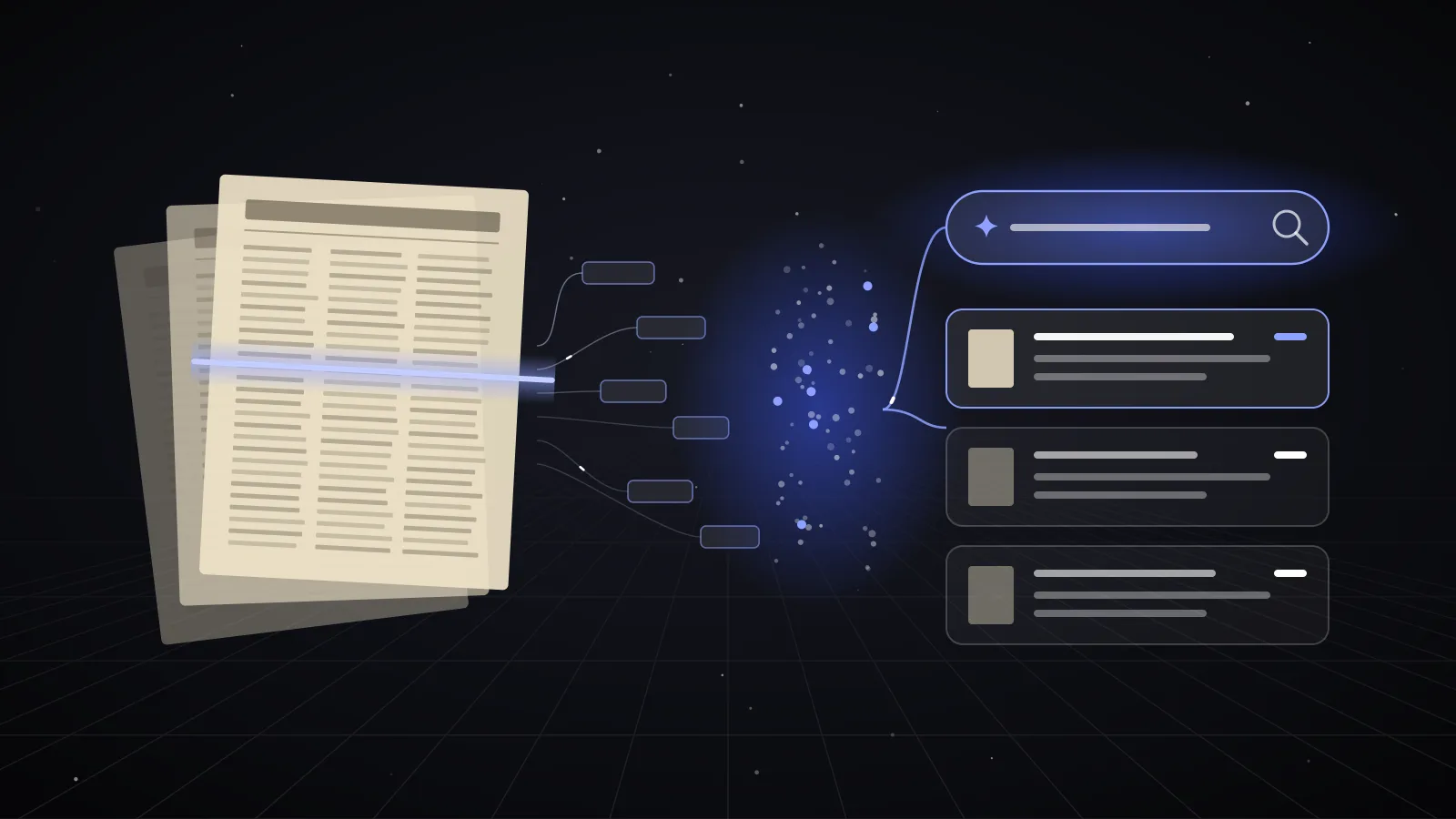
- Step 1: When a case opens, n8n triggers and extracts the case subject and description.
- Step 2: The text is converted into a vector embedding using a language model.
- Step 3: Pinecone receives the vector and performs a semantic similarity search against indexed past cases.
- Step 4: Pinecone returns the top 5 most relevant cases based on meaning, not just keywords.
This approach finds related cases even if the wording differs, overcoming limitations of traditional keyword search.
The Intelligence: Using ChatGPT for Suggested Solutions
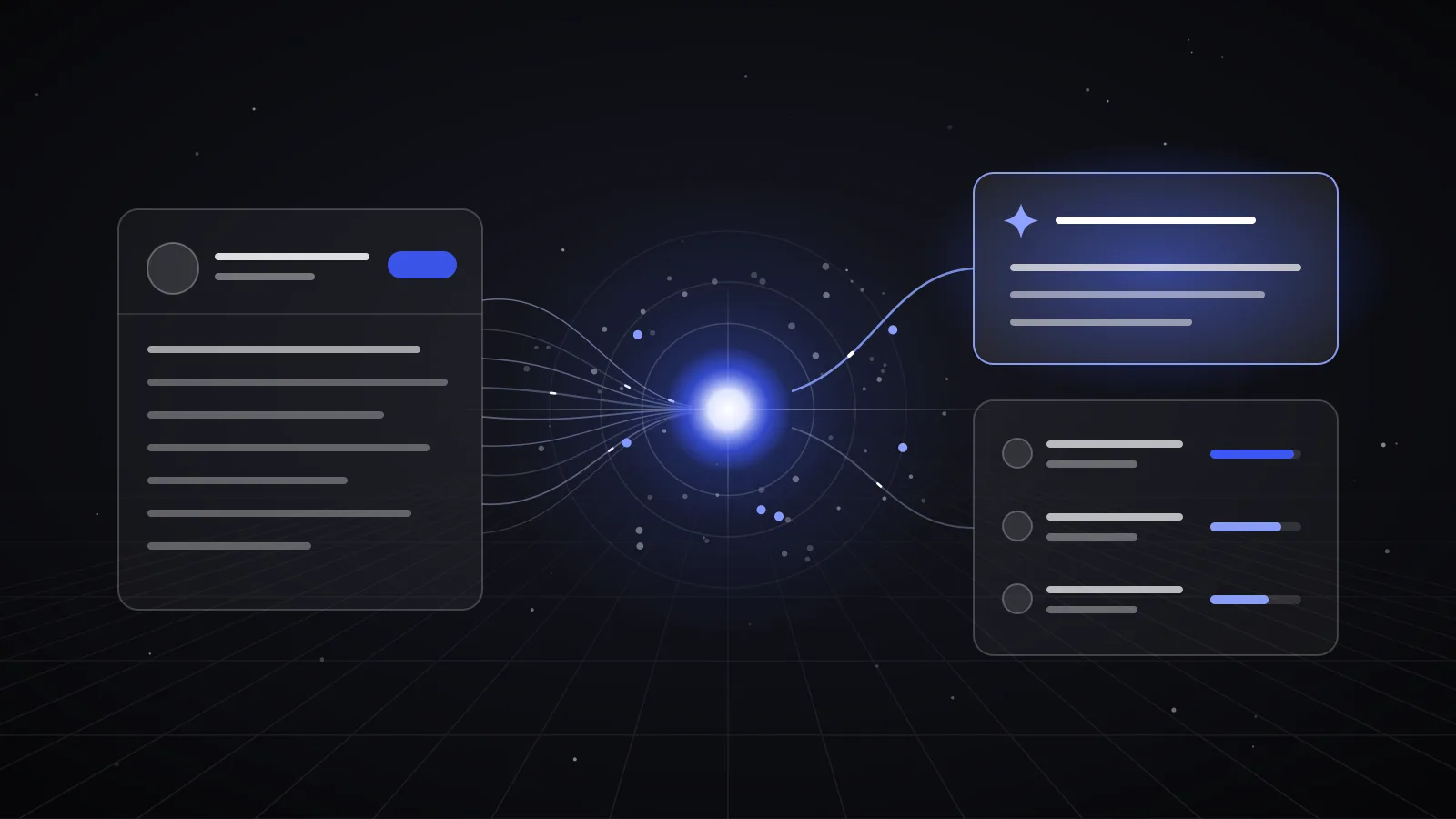
To help agents quickly understand the relevance of past cases, we use a large language model (LLM) like ChatGPT to synthesize a new “Suggested Solution” summary.
- The LLM reads the content of the top similar cases.
- It extracts key points and successful resolutions.
- It generates a concise, clear summary tailored to the current case.
This Retrieval-Augmented Generation (RAG) approach combines vector search with AI summarization, providing agents with actionable insights in seconds.
The Workflow in Action
Here is how the Smart Agent Assist works step-by-step:
- Agent opens a new Case in Salesforce.
- The LWC automatically scans the Subject and Description fields.
- The system sends the text to n8n, which triggers the vector search in Pinecone.
- Pinecone returns the top 5 semantically similar past cases.
- The LLM synthesizes a Suggested Solution summary from these cases.
- The LWC displays the Suggested Solution and similar cases list instantly.
- The agent reviews the suggestions and applies the best solution, resolving the case faster.
This workflow requires no manual searching or switching between tools, saving valuable time.
Business Goals Achieved
Our Smart Agent Assist delivered measurable improvements:
- Reduced Average Handling Time (AHT): Agents find answers in seconds instead of minutes, cutting AHT by up to 30%.
- Increased First Contact Resolution (FCR): Better access to proven solutions means more cases are solved on the first interaction.
- Knowledge Reuse: Historical case data becomes an active resource, not just archived information.
- Agent Satisfaction: Reduced frustration and cognitive load improve morale and productivity.
These results translate into faster customer support, higher satisfaction, and lower operational costs.
Why This Tech Stack Works
We chose this combination for specific reasons:
- Salesforce LWC: Provides a native, seamless user experience inside Salesforce. No context switching for agents.
- n8n Workflow: Offers flexible, low-code automation to connect Salesforce, Pinecone, and AI services. Easy to maintain and extend.
- Pinecone Vector Search: Delivers fast, scalable semantic search that understands meaning beyond keywords.
- ChatGPT (LLM): Generates clear, concise summaries that help agents quickly grasp complex information.
Together, these technologies create a powerful, integrated system that enhances customer support without disrupting existing workflows.
Final Thoughts
Building a Smart Agent Assist inside Salesforce using LWC, n8n, and Pinecone shows how AI can unlock hidden value in historical support data. By combining semantic search with AI summarization, agents get instant access to relevant solutions, reducing handling time and improving customer outcomes.
If you want to make your Salesforce smarter and help your support team work faster and smarter, contact RILLOO for custom AI integrations tailored to your needs.